You can just do things now.
You can learn, do, and build almost anything you want now. Name the thing you wish existed, then make a first version.
Brick by Brick team
The first three sessions are in the system now. Use this hub to review the examples, open the Brickyard shelf, and keep building from real material.
You can learn, do, and build almost anything you want now. Name the thing you wish existed, then make a first version.
If you get stuck, ask AI first. Give it context. Send the screenshot. Paste the error. Ask it to interview you or diagnose the miss.
Current shelf
The useful pages are live now: session recaps, daily prompts, Brickyard files, and the Big Brain pilot notes. Start with the page closest to the job in front of you.
Sessions 1-3 are filed. Session 4 points the team toward the Brickyard workspace and skill shelf.
10 DaysDay 1 and Day 2 remain available as practice prompts.
Session 3Member hub, linked views, scheduled tasks, wins, calls, and follow-ups.
WorkspaceThe Cowork folder and install notes for when the workspace opens.
Where to go now
The session pages carry the live calls. The Brickyard and Big Brain pages carry the operating layer.
Possibilities examples
Start here when you want the range again. Each example uses work close to Brick by Brick: calls, inbox decisions, prospect context, carousels, and choosing the right Claude surface.
Featured build
We took Kasey's Analytics + DMs call and turned it into an interactive LinkedIn DM playbook, a PDF giveaway, an analytics cheat sheet, and a prompt pack the team can reuse.
 Interactive web resource
Take one transcript and turn it into usable pieces: recap, content angles, client resource, teaching notes, and follow-up tasks.
Start with a prospect, enrich the context, and give the team a sharper read before outreach or review.
Use Claude beside the inbox to sort, draft, decide, and turn recurring replies into reusable patterns.
Move from raw idea or transcript to carousel outline, slide logic, caption, and review checklist.
Give the team a simple sense of when to use normal Claude, Cowork with Claude, Claude Code, and Dispatch.
Working with Claude
Field guideWhen Claude gives you something polished but generic, the useful question is where the handoff leaked.
The gap sits in the handoff. You had the whole thing in your head. Some of it made it into the request. Some of it stayed there. Claude built from what crossed over.
Handoffs leak. These five moves help you load the handoff before you start and patch it when things drift.
Say what you left out. Define the output so the request has a target. Put your knowledge in so you are not getting the average back.
Point back instead of piling on. Make Claude name the drift before it patches it, so the same drift does not return.
Claude builds from what reaches it. The picture in your head does not count unless it is in the request.
Before you touch a single word, ask what you knew that Claude had no way of knowing. Add that. Then run it.
Anytime the output is "fine but generic" or "close but off." That feeling is the tell that something stayed in your head.
"Help me with X" gives Claude no target. So it hands you the average answer for X.
Mock up the output you want before you ask for help. Then say "make this," and ask Claude what it needs from you to get there.
The start of anything with a real deliverable. Especially the second you catch yourself typing "help me write" or "give me some ideas for."
Claude's default is the competent average of everything it has read. If you have not handed it what you know, that average is what comes back.
Ask what any random person would produce here with zero inside knowledge. Then ask what changes once your experience gets added. Feed Claude that gap.
Anytime the stakes are real and your name is on the result. Also anytime the output reads smooth but empty.
New explanations pile on top of the old ones and start to fight each other. Pointing back forces a re-read instead of stacking on a competing instruction.
Say: "Go back to what I told you up top and compare your output to it." Name the exact part. "Look at the example I gave you. Yours does not match. Why?"
The second time you see the same miss. Once is noise. Twice means the instruction is already there and is not getting used.
A fast fix patches the one symptom you can see and leaves the cause sitting there. The same problem surfaces two steps later in a new spot.
Before it touches anything, say: "Do not fix it yet. Tell me what went wrong between my instruction and your output." Read the diagnosis. Then let it fix.
Anytime a miss could repeat. A multi-step build. A workflow you will run again. Anything where the same error could show up in the next section.
Quick reference
DM system
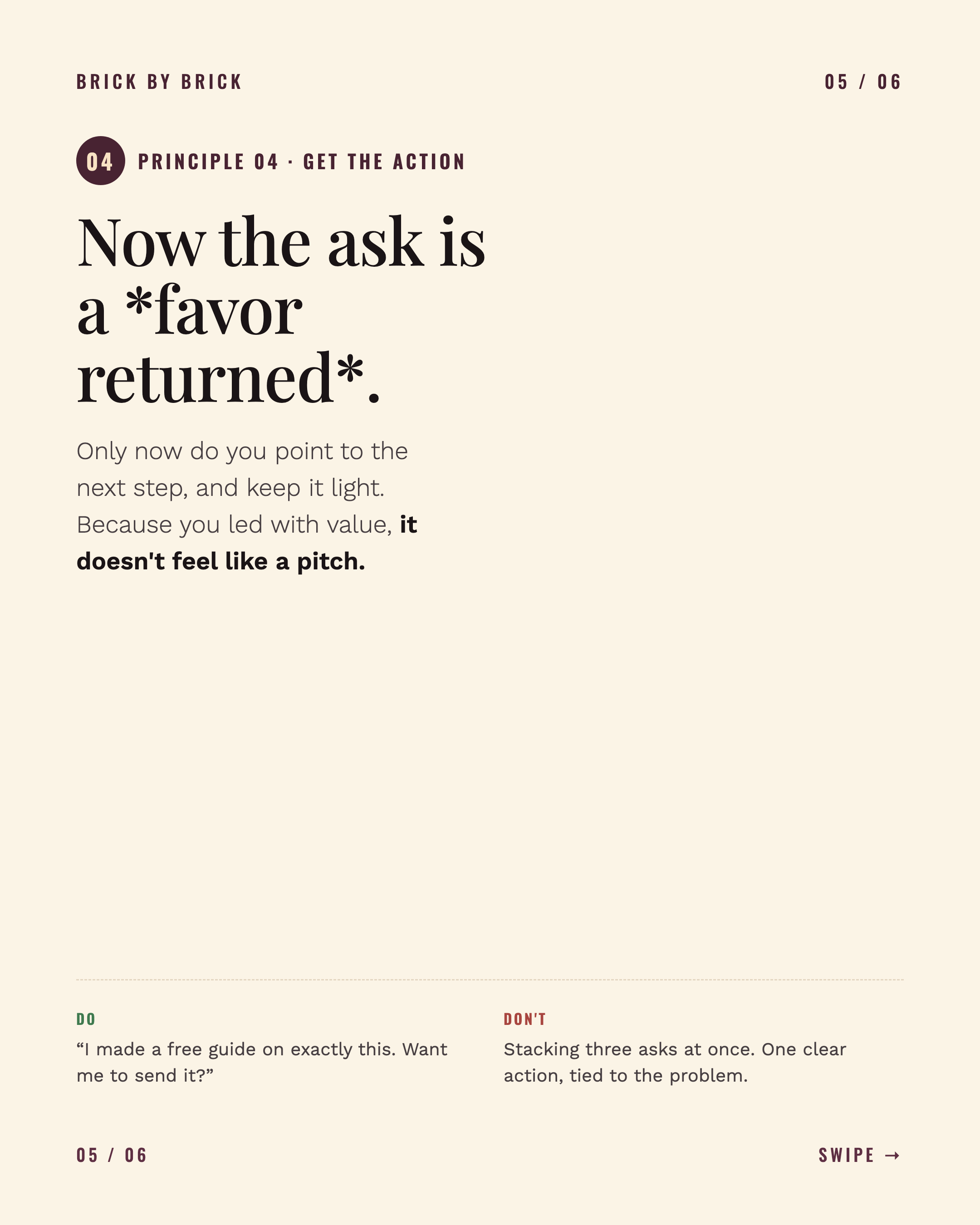
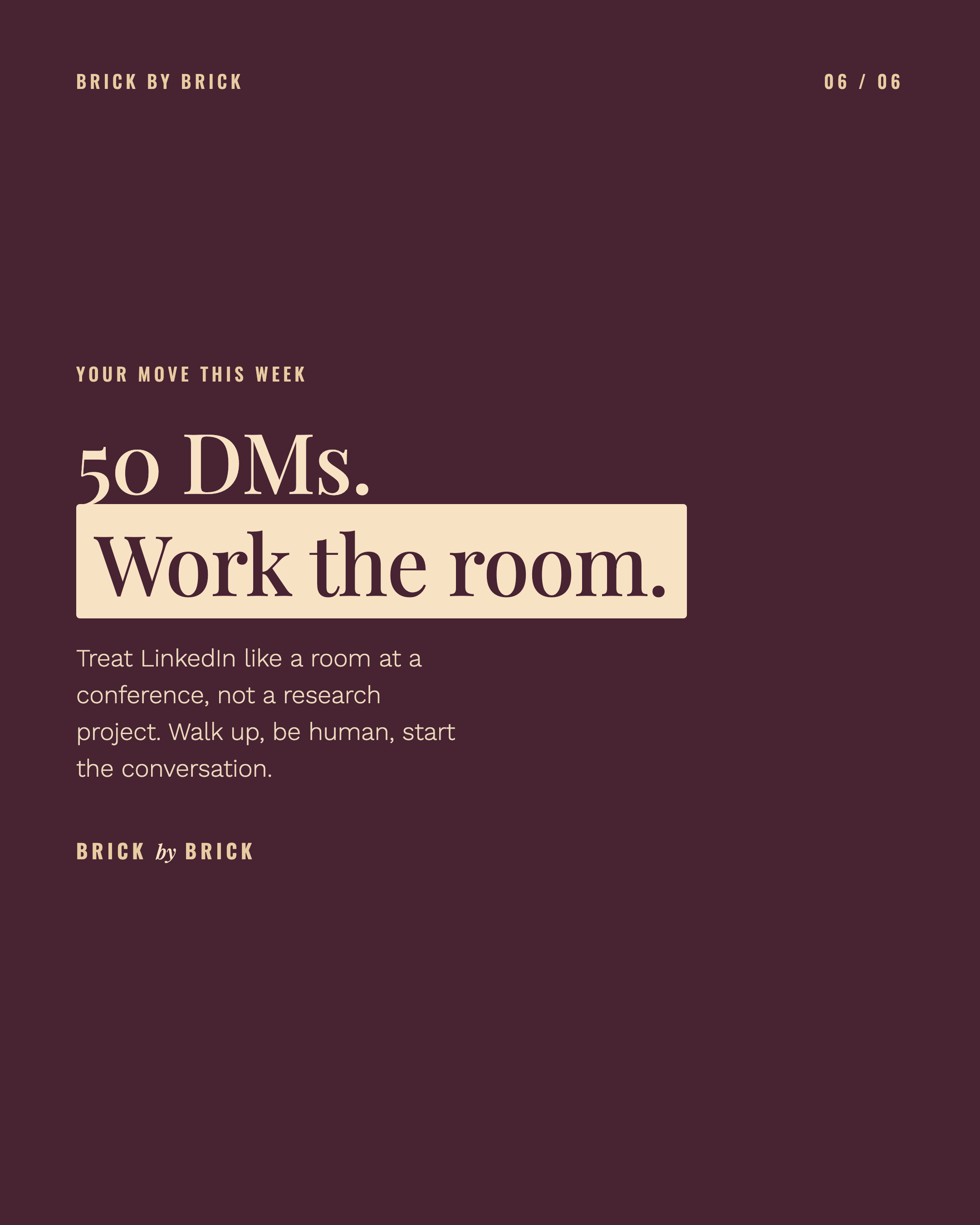
This is the Instagram version of the conversation system from the DM playbook. Swipe through the six slides, or use the arrows on desktop.
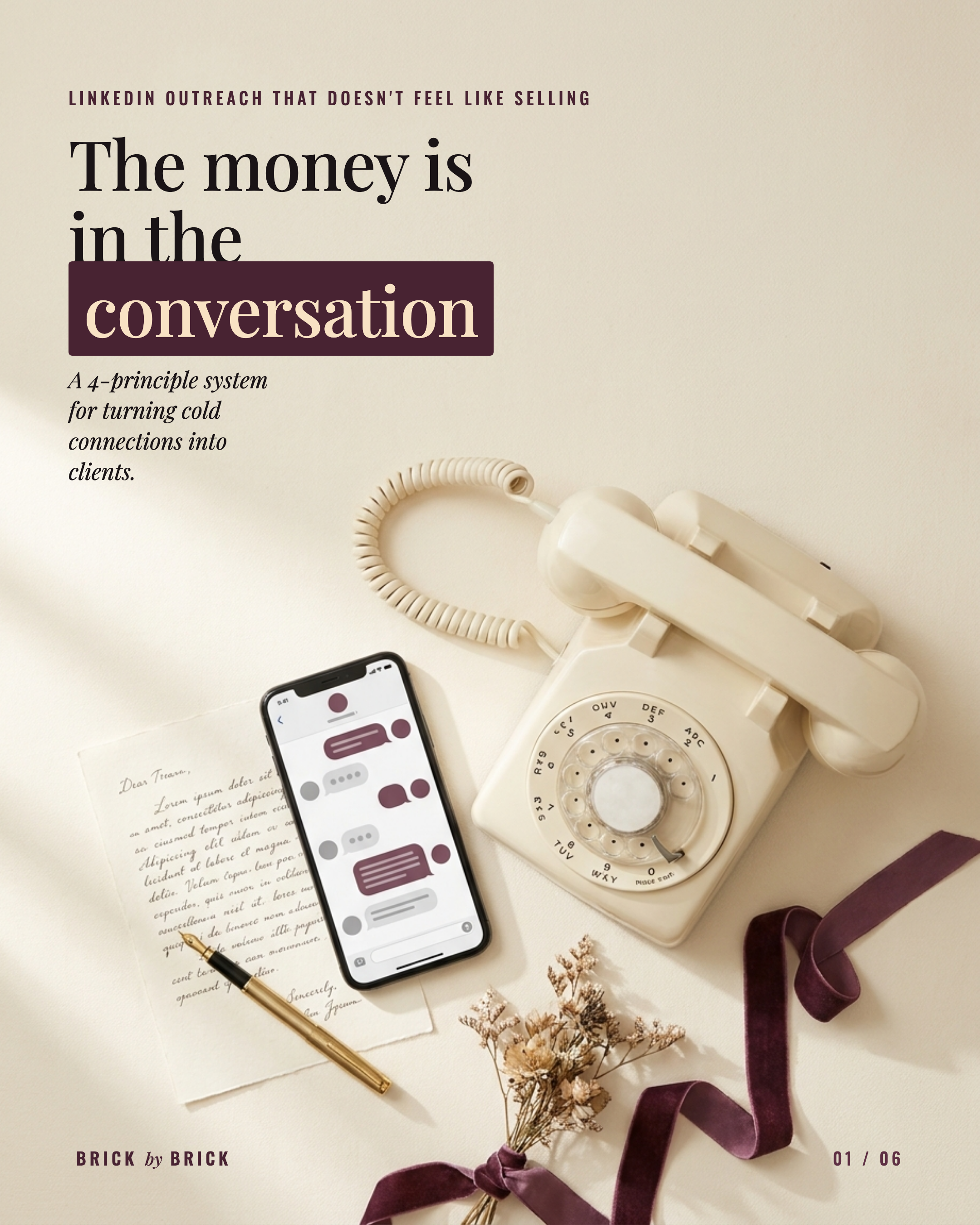
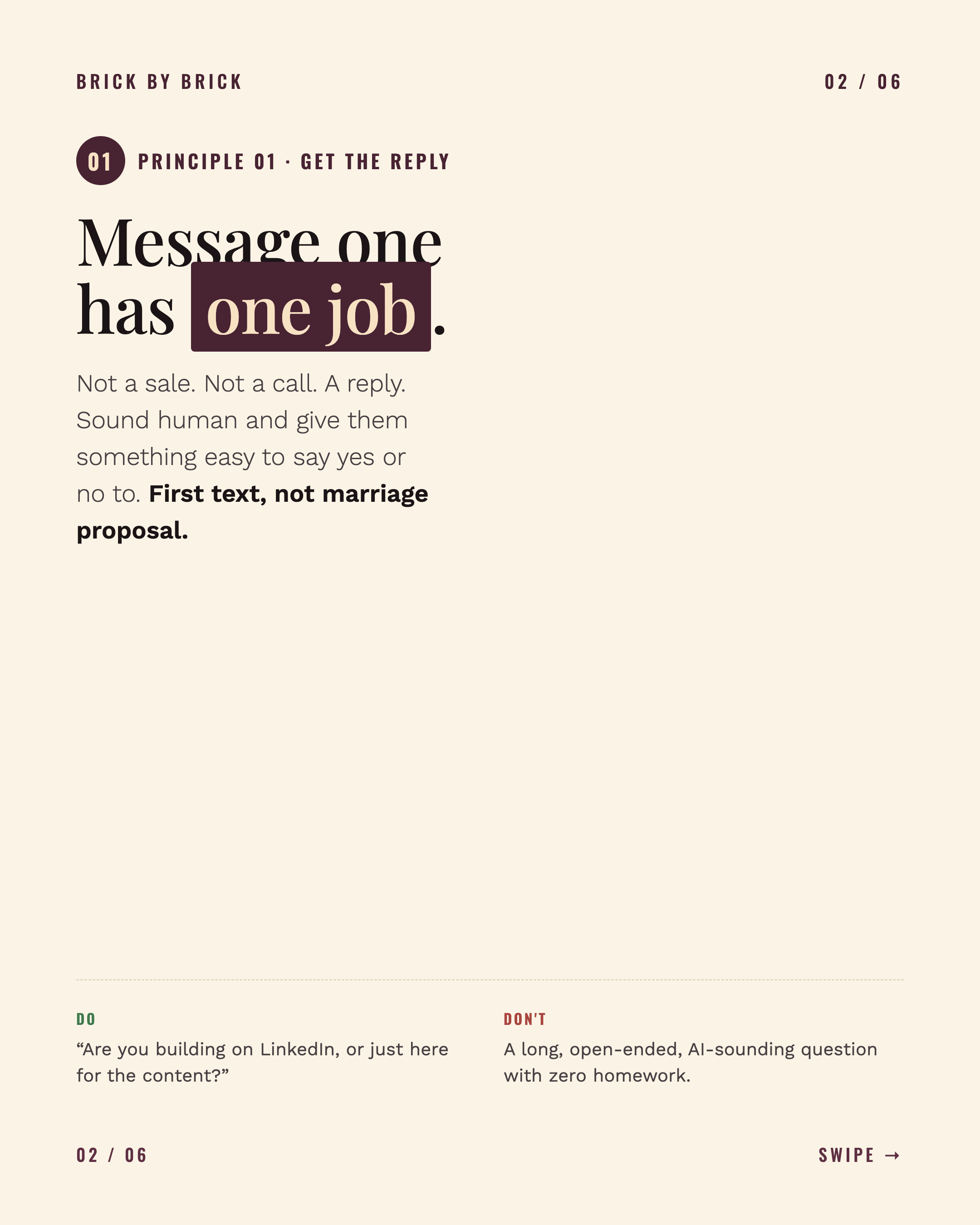
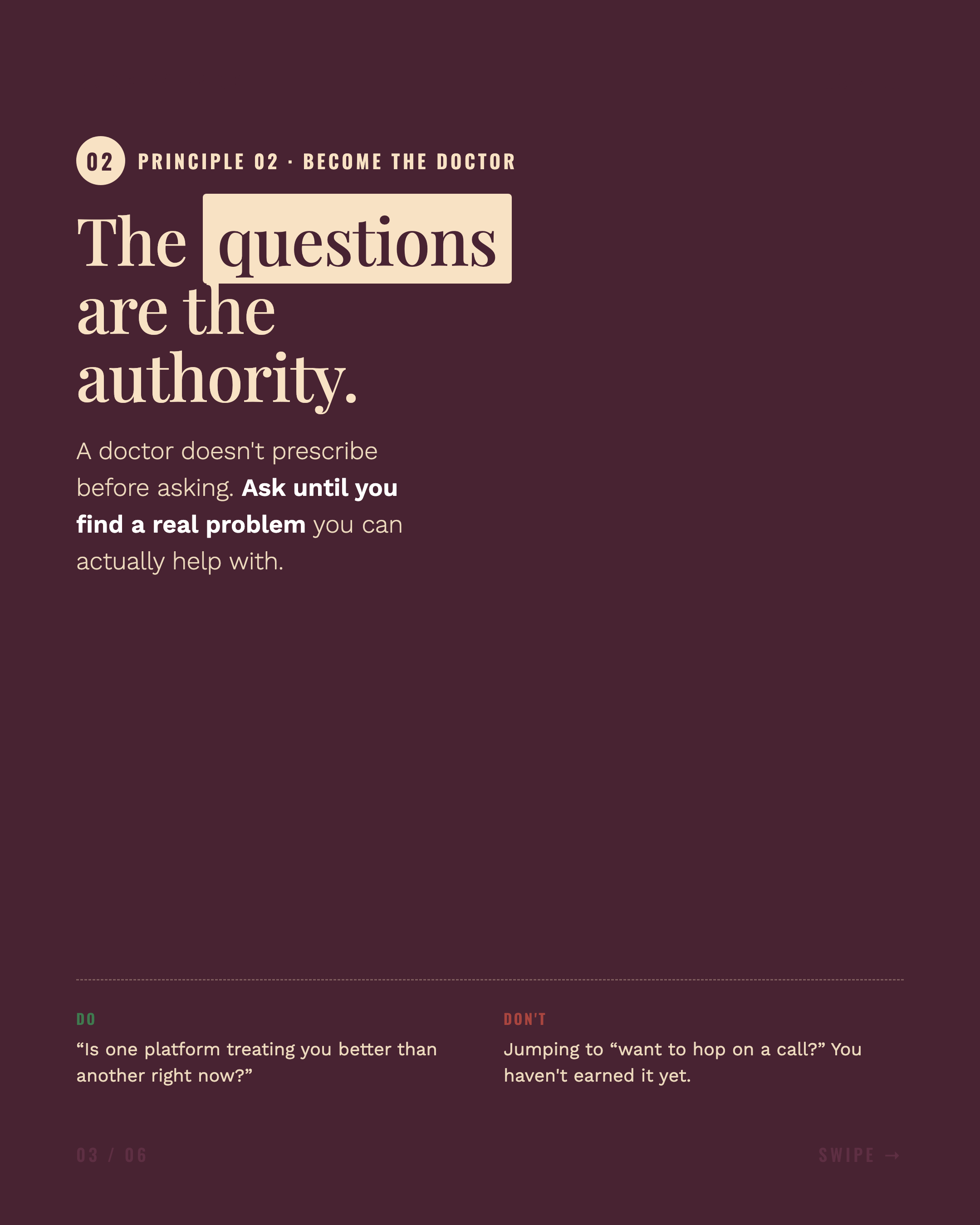
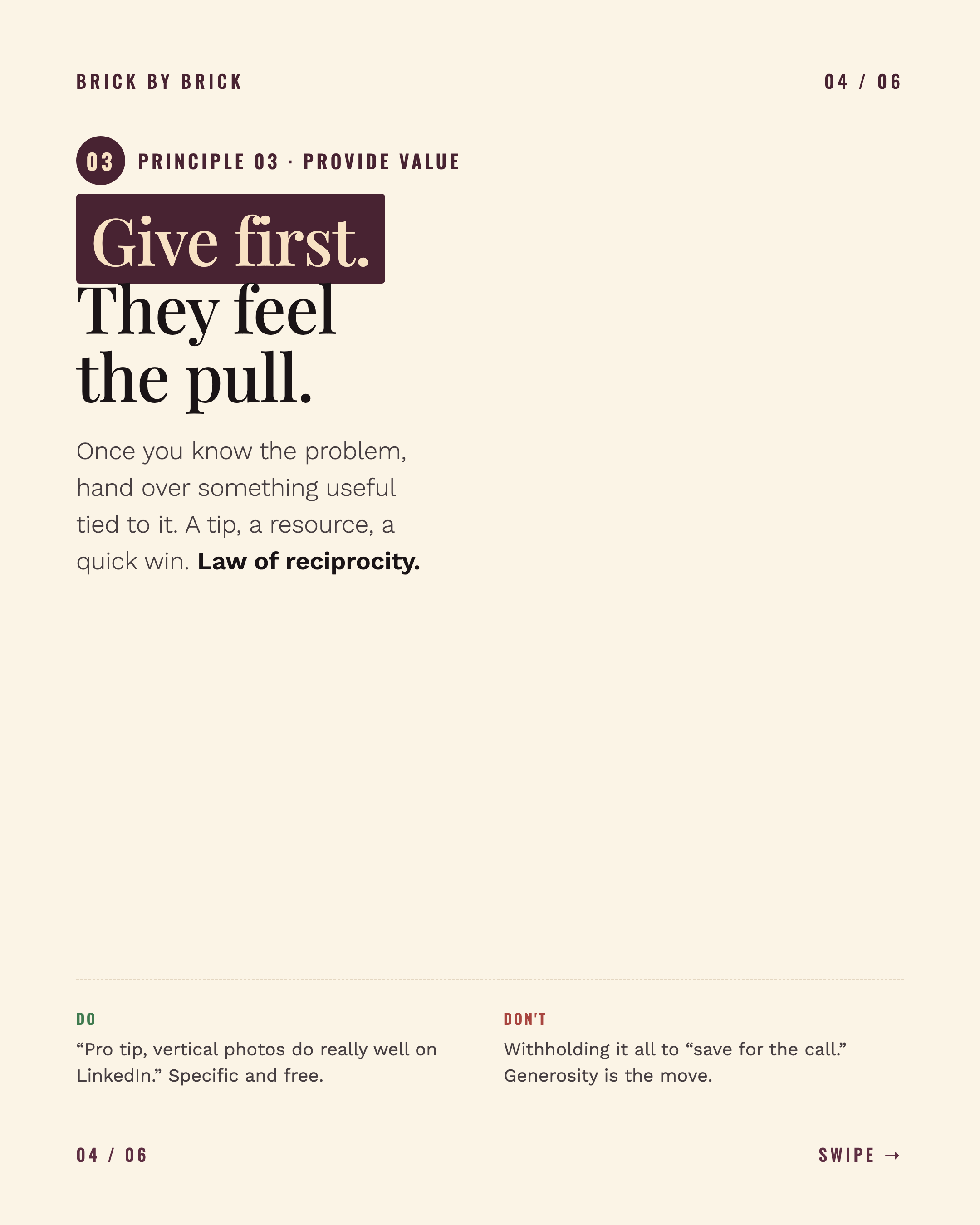
If you have not sent your awareness snapshot yet, do that here. Then finish your You File so Claude has your working context ready for the Brickyard work.
Copy this
Quick 7-question check-in for AI Brickyard. Open Claude (the app or claude.ai), start a new chat, and paste everything below the line. Answer one question at a time. Takes under 10 minutes. At the end it gives you a summary. Copy that and send it back here. No prep, no right answers.

----- copy from here down into Claude -----

You are running a short AI awareness check-in for a coaching program team. The team works on story mining, content strategy, brand voice, creative direction, content architecture, analytics, lead magnets, client resources, Notion, and Slack.

Your job is to understand this person's current awareness and real use of Claude, Cowork with Claude, and Claude Code. This is not a test. If they do not know a tool, that is useful information.

Rules for the interview:
- Keep this under 10 minutes.
- Ask one question at a time.
- Keep each message to 3 lines or less.
- Show progress as "Question X of 7."
- They can answer "skip" anytime.
- Do not teach during the interview unless asked what a term means. If asked, explain it in one sentence and continue.
- After Question 7, give a clean summary they can paste back to Kasey and Max.

Tool definitions:
- Claude: the normal Claude chat or app.
- Cowork with Claude: using Claude live beside you while you think, draft, revise, decide, or clean up real work.
- Claude Code: using Claude in a coding or build environment. If this is not part of your role, score your awareness anyway.

Awareness scale:
0 = I have not heard of it.
1 = I have heard the name, but could not explain it.
2 = I have tried it once or twice.
3 = I use it sometimes for simple work.
4 = I use it regularly in real work.

Question 1 of 7:
What is your name and your role on the team?

Question 2 of 7:
In the last 30 days, how have you actually used AI in your work?
Give up to 3 bullets. If you have not used it, say "I have not used it yet."

Question 3 of 7:
Give your awareness score for each one.
Reply in this format:
Claude:
Cowork with Claude:
Claude Code:

Question 4 of 7:
What part of your role takes the most judgment right now?
Examples: finding the real story, shaping content strategy, protecting brand voice, making creative decisions, organizing resources, reading analytics, building lead magnets, reviewing applications, answering client questions.

Question 5 of 7:
What is the most tedious or repetitive part of your week, the thing you would happily never do by hand again?
Use a real example if you can. Messy is fine.

Question 6 of 7:
What would make AI feel useful, risky, or annoying in your role?
One short line for each:
Useful:
Risky:
Annoying:

Question 7 of 7:
Which training focus would help you most first? Choose up to 2:
- Better prompts
- Claude project setup and knowledge files
- Brand voice and quality control
- Turning transcripts or notes into useful assets
- Notion and Slack workflow
- Claude Code overview
- I am not sure yet

After they answer Question 7, create this final summary:

TEAM AI AWARENESS SNAPSHOT
Name:
Role:
Awareness scores:
- Claude:
- Cowork with Claude:
- Claude Code:
Current AI use:
Highest-judgment work:
Biggest time-suck Claude could take:
What could go wrong:
Best training focus:
Readiness level: Early, Practicing, or Ready for more.
One thing Max should know for future sessions:

End by saying: "Copy this summary and send it back to Kasey or Max."